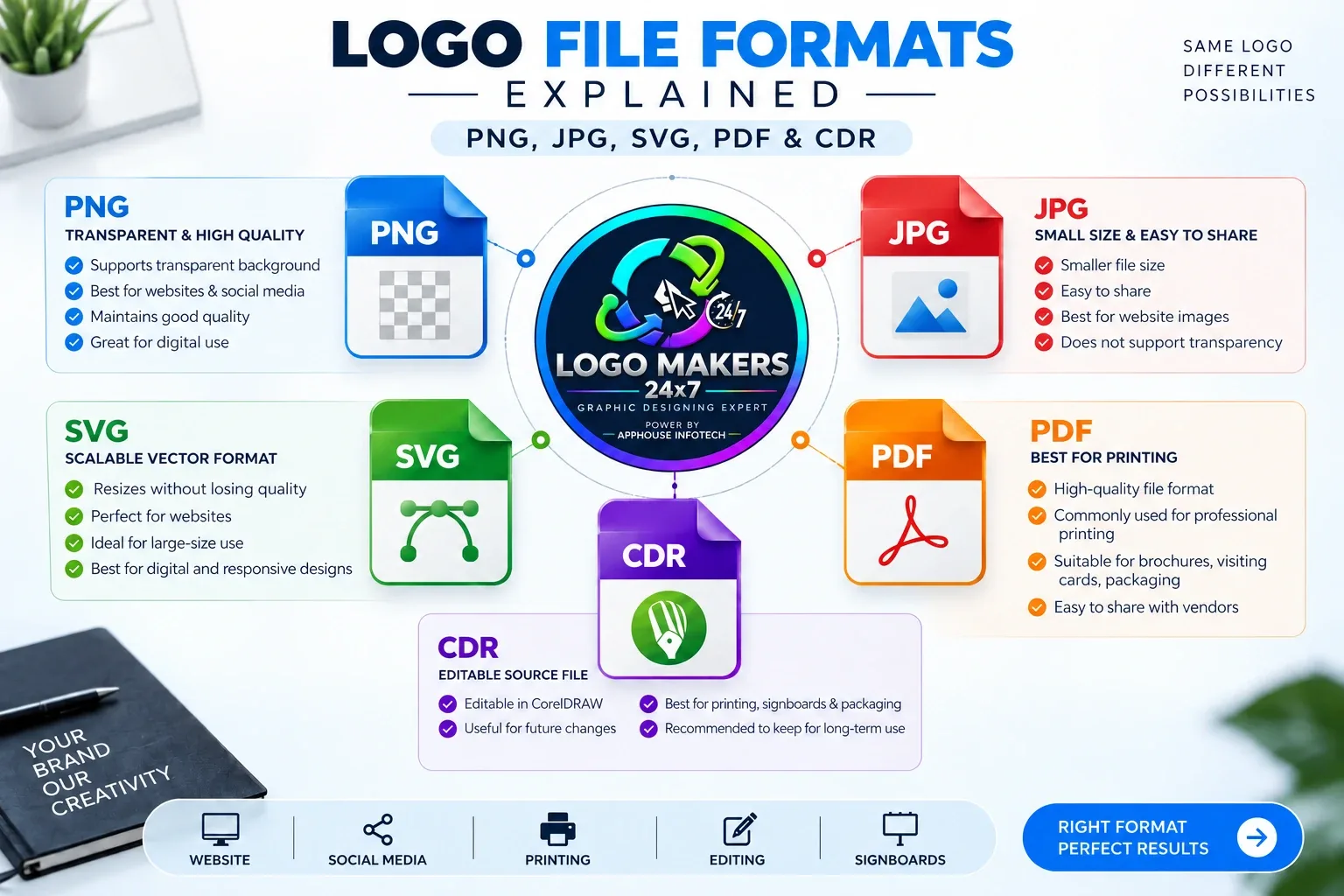
When you receive a professional logo, you may get several different file formats. Each format has a different purpose.
Knowing which file to use helps keep your logo clear and professional everywhere.
PNG Logo File
PNG is one of the most useful logo formats for digital use.
It supports a transparent background, making it easy to place your logo on websites, social media posts and other designs.
Best for:
- Websites
- Social media
- Digital designs
- Transparent backgrounds
JPG Logo File
JPG files are commonly used for images with a solid background.
They are easy to share and usually have a smaller file size.
Best for:
- Online sharing
- Website images
- Presentations
- Simple digital use
JPG does not support transparent backgrounds.
SVG Logo File
SVG is a vector format, which means the logo can be resized without losing quality.
It remains sharp even when used at larger sizes.
Best for:
- Websites
- Digital applications
- Large-size use
- Responsive designs
PDF Logo File
PDF is commonly used for professional printing and sharing.
It can maintain high-quality design elements and is easy for printing vendors to open.
Best for:
- Brochures
- Visiting cards
- Packaging
- Professional printing
CDR Logo File
CDR is an editable CorelDRAW file.
It is useful when the logo needs future editing or is used by designers and printing businesses.
Best for:
- Professional editing
- Printing
- Signboards
- Packaging
- Large banners
Which Logo File Should You Use?
For most businesses:
Website & Social Media: PNG or SVG
Printing: PDF or CDR
Quick Sharing: JPG
Future Editing: CDR
It is always better to keep your original editable logo file safely.
Why Multiple Logo Formats Matter
A single JPG logo may not be enough for every business requirement.
A professional logo package should provide suitable files for both digital and print use.
At Logo Makers 24x7, we create professional logo designs with files suitable for different branding applications.